Latest Data Exchange and Riverscapes Viewer Updates

Published on February 18, 2026

Latest Updates to the Data Exchange + Riverscapes Viewer


Did your work just get easier? Probably. Check out the latest updates to Riverscapes Viewer and the Data Exchange below ⬇️

Download Data Exchange Projects in QGIS

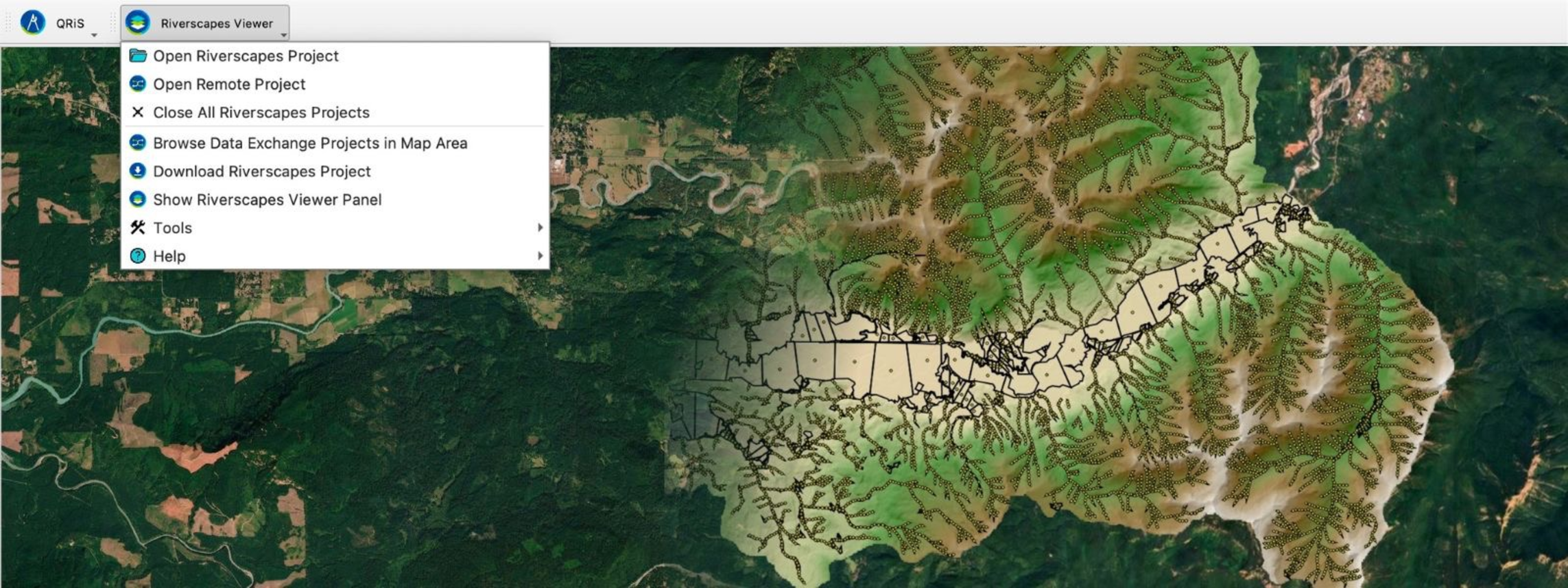
With the Riverscapes Viewer plugin, you can now download projects from the Riverscapes Data Exchange to your computer from within QGIS. Browse the Exchange to find the project ID, specify the local folder, and choose if you want all files or a custom selection.

More information here


Explore Projects Remotely with Viewer for QGIS


Now, you can view a project from the Data Exchange in QGIS without downloading the whole project to your computer. You can choose and view any of the project's spatial layers or predefined views from the project tree in the Riverscapes Viewer pane. This allows you to quickly contextualize your local data with a remote project. If you need to analyze a dataset, the download tool makes it easy for you to get it in its original format. 

More information here


Provide Attribution (Credits) on Projects in Riverscapes Data Exchange

Recognize partner organizations with the new attributions feature in the Data Exchange. You can designate each partner with the roles they played in producing the data project, for example as Analyst, Designer, or Funder. While a project has only one administrative owner, a project can have multiple partner organizations attributed to it. This new connection between projects and organizations is visible on both project detail pages and organization detail pages in the data exchange.

More information here
 

These updates are part of our ongoing mission to make riverscapes data more accessible and useful, however you need to use it.

Questions? Other features you would like to see in Riverscapes products? Reach out to us.